
Terrestrial SLAM & 360° Walkthroughs
Ground-level capture where the drone can’t see
Aerial data stops at the roofline. The interiors, the mechanical rooms, the trenches, the spaces under cover — that’s where SLAM and 360° capture take over, documenting the site from the inside with a technician simply walking through it.
The two tools answer two different questions, and it’s worth being clear which is which: do you need to measure it, or do you need to see it?
SLAM LiDAR — when you need to measure it
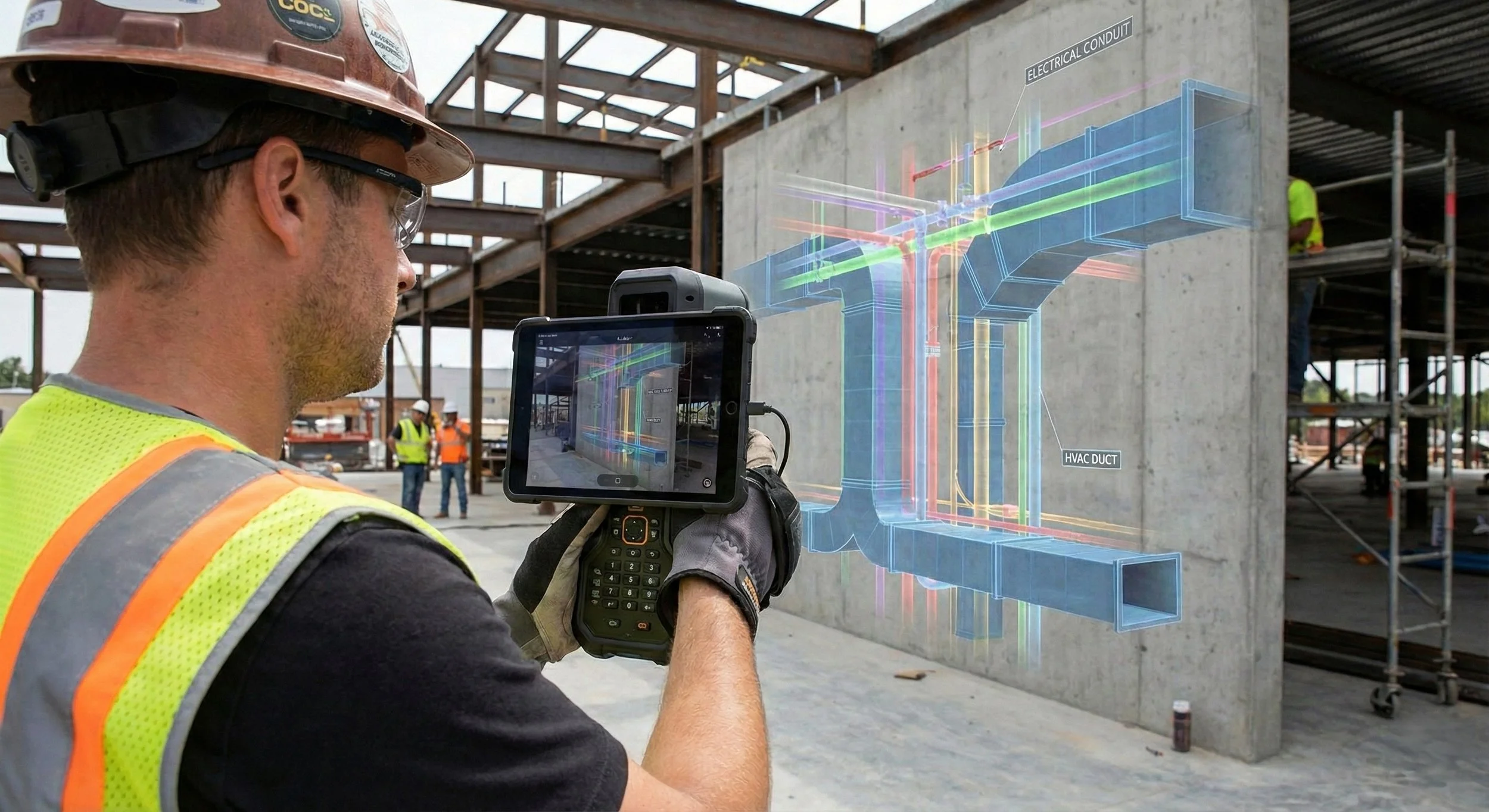
A SLAM scanner maps a space while tracking its own position through it, building a dense point cloud of every surface as the operator walks. Accuracy is centimetre-level and relative across the scan; where absolute position matters, we tie the data to ground control so it sits correctly in your project coordinates rather than floating on its own.
That makes it the tool for as-built geometry: scan-to-BIM models of existing structures, clash checks between proposed MEP and what’s already in place, and verification that the build matches the design. It exports into Revit, AutoCAD, and Navisworks, so your models are based on measured reality, not aging drawings.
360° capture — when you need to see it
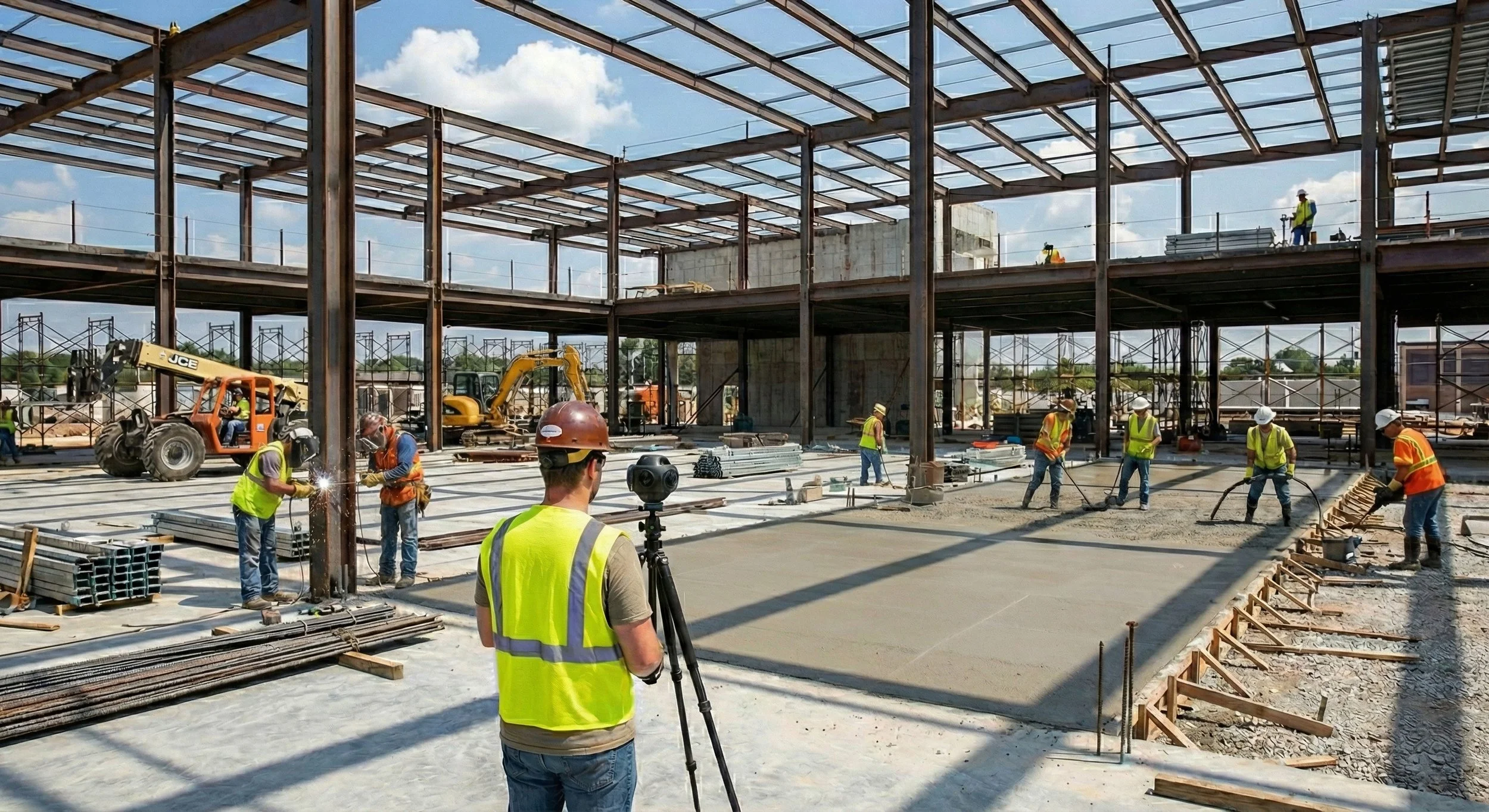
A 360° walk is documentation, not measurement — and that’s its strength. A whole floor captured in a fraction of the time a full scan would take, giving you a dated, navigable record of exactly what a space looked like at that moment.
It’s the street view of the job site: weekly progress that remote stakeholders can walk from their desks, an indisputable record of what went in before the drywall closed, and fewer trips for inspections a screen can handle.
The hybrid in practice
On most capital projects we pair them — 360° on a frequent cadence for visibility, SLAM at milestones for measurable as-builts — and merge the interior data with exterior aerial mapping into one continuous record of the site, inside and out.